- 概述
- Document Understanding 流程
- 快速入门教程
- 框架组件
- 训练分类器作用域的配置分类器向导
- 文档分类训练概述
- 文档分类训练相关活动
- 机器学习分类训练器
- ML 包
- 概述
- Document Understanding - ML 包
- DocumentClassifier - ML 包
- 具有 OCR 功能的 ML 包
- 1040 - ML 包
- 1040 附表 C - ML 包
- 1040 附表 D - ML 包
- 1040 附表 E - ML 包
- 4506T - ML 包
- 990 - ML 包 - 预览
- ACORD125 - ML 包
- ACORD126 - ML 包
- ACORD131 - ML 包
- ACORD140 - ML 包
- ACORD25 - ML 包
- 银行对账单 - ML 包
- 提单 - ML 包
- 公司注册证书 - ML 包
- 原产地证书 - ML 包
- 检查 - ML 包
- 儿童产品证书 - ML 包
- CMS1500 - ML 包
- 欧盟符合性声明 - ML 包
- 财务报表 (Financial statements) - ML 包
- FM1003 - ML 包
- I9 - ML 包
- ID Cards - ML 包
- Invoices - ML 包
- InvoicesAustralia - ML 包
- 中国发票 - ML 包
- 印度发票 - ML 包
- 日本发票 - ML 包
- 装运发票 - ML 包
- 装箱单 - ML 包
- 护照 - ML 包
- 工资单 - ML 包
- 采购订单 - ML 包
- 收据 - ML 包
- 汇款通知书 - ML 包
- UB04 - ML 包
- 水电费账单 - ML 包
- 车辆所有权证明 - ML 包
- W2 - ML 包
- W9 - ML 包
- 其他开箱即用的 ML 包
- 公共端点
- 硬件要求
- 管道
- Document Manager
- OCR 服务
- 深度学习
- 部署在 Automation Suite 中的 Document Understanding
- 在 AI Center 独立版中部署的 Document Understanding
- 许可
- Activities (活动)
- UiPath.Abbyy.Activities
- UiPath.AbbyyEmbedded.Activities
- UiPath.DocumentProcessing.Contracts
- UiPath.DocumentUnderstanding.ML.Activities
- UiPath.DocumentUnderstanding.OCR.LocalServer.Activities
- UiPath.Intelligent OCR.Activities
- UiPath.OCR.Activities
- UiPath.OCR.Contracts
- UiPath.OmniPage.Activities
- UiPath.PDF.Activities


Document Understanding 用户指南
机器学习分类训练器
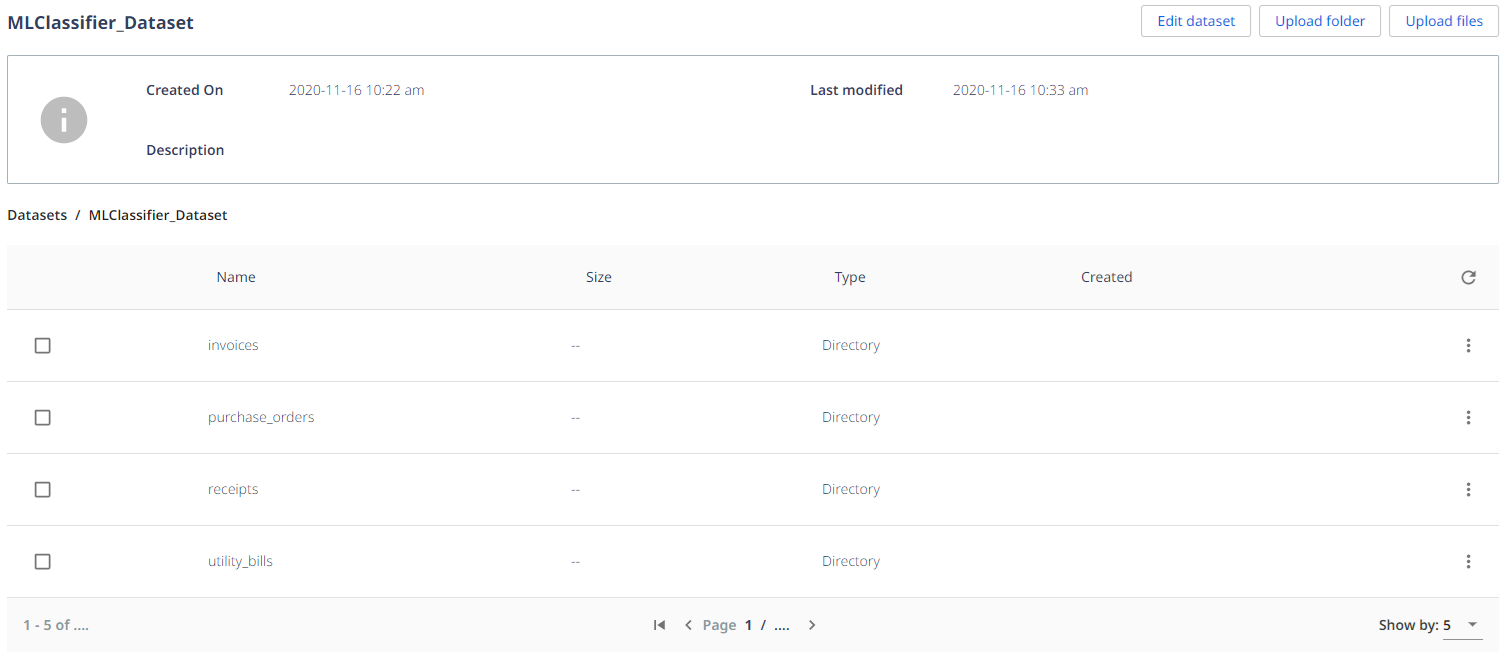
机器学习分类训练器将来自分类站点的已验证数据写入到 AI Center 数据集存储,以创建或更新机器学习分类模型。在使用此训练器之前,请在 AI Center 上创建一个数据集文件夹。项目和数据集文件夹的名称将用于配置训练器。
按照以下步骤使用机器学习分类训练器:
-
使用“分类管理器”向导定义文档类型和字段。
-
将“机器学习分类训练器”活动拖放到“训练分类器作用域”活动中。
-
In the Machine Learning Classifier wizard that automatically opens, provide the ML Skill and the ApiKey information. If you do not have a classifier ML Skill, go to step 5.
-
Select the Get Capabilities button. The wizard closes after this operation.
备注:If you are creating the Machine Learning Classifier model for the first time (as opposed to trying to create a dataset to revise an existing ML model), skip steps 3 and 4 and just proceed to the next screen and manually enter the names of classification classes and map them to the Document Types declared in the Taxonomy Manager.
-
为“项目”和“数据集”输入一个值。
备注:This information pertains to the AI Center project and the dataset within that project to which you wish to send the validated classifier data.
-
选择“训练分类器作用域”的“配置提取程序”选项。系统将显示向导。
-
现在可以配置机器学习分类训练器了。对于每种文档类型,手动填写文本框,或从可用的下拉列表中选择要映射到每个字段的正确分类字段。下拉列表包含机器学习分类训练器使用在“机器学习分类器”向导中输入的 ML 技能声明为分类功能的所有字段。
-
To check if you are using the latest capabilities of the extractor, you can select the Get or refresh classifier capabilities which opens the Machine Learning Classifier wizard.
-
从下拉列表中选择一个选项会自动确认该字段。
-
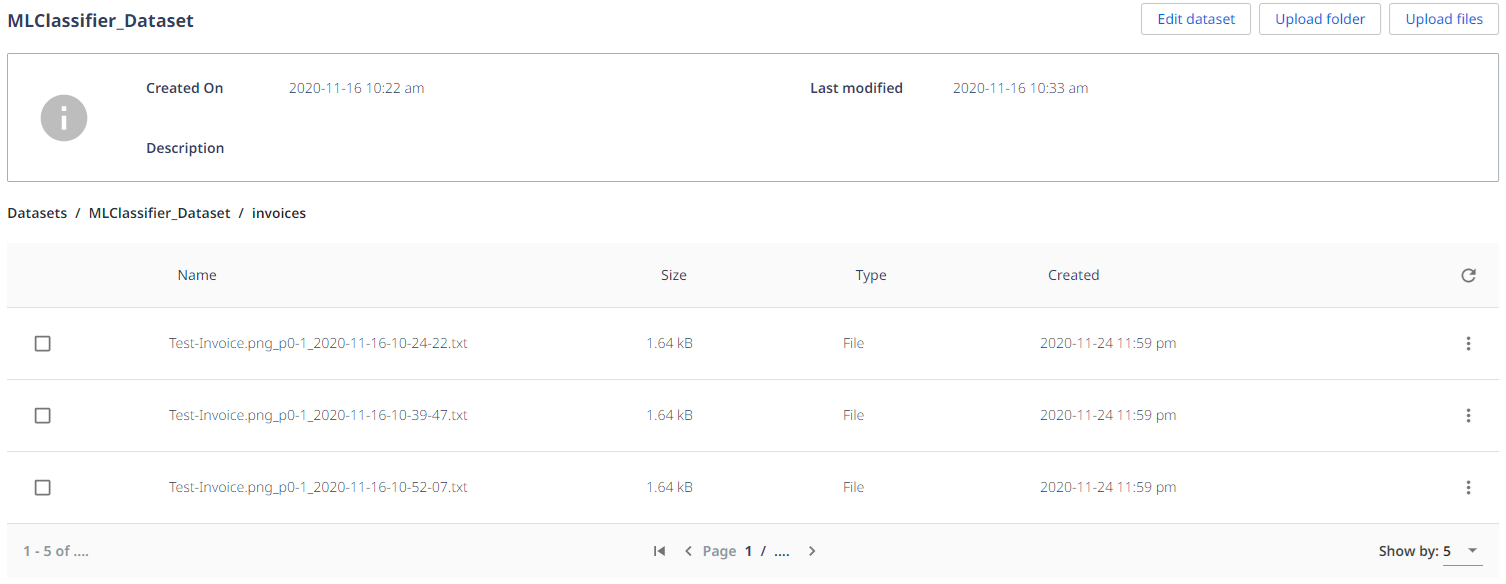
As you pass the document through the workflow containing the Machine Learning Classifier Trainer, the document will get labeled and stored in the appropriate folder on AI Center.